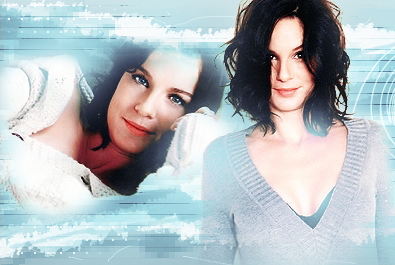
New Banner...


 Senior Member


New Banner...
 You'll never believe it!

Last edited by Jessie Wallace; 20-02-2007 at 20:01.
 Senior Member

Love that AbsOriginally Posted by Abi

how did you do the square/grid type effect
Sig dedicated to Charley
Senior Member
I'll do me best to explain, lol!
1) Add a new layer, and colour it similar to the background of the rest of the banner (I chose an Orange colour)
2) Add a grid texture to it
3) Set the layer to "Soft Light"
4) Reduce the transparency down to 30%- ish
5) Add an overlay to the layer
6) Select the Brush, and get it to black (Make sure your on the Overlay)
7) Get rid of all the grid which goes over their body, leaving just the background covered in the grid
And your done!!
Xx-Vicky-xX (24-02-2007)
More adventurous
The Mark one is good, but still prefer the extreme ironing one myself...
Senior Member
Some avatars..
Kinda mildly Dr Who spoilerish. Nothing much, but just in case you dont want to know, i'll spoiler tag it..
Spoiler:
 Biggest Reality Fan 2012
ooh love your banner and avatar Abi. Can't wait until Saturday.
Thanks to Vicky for my great new banner xxx
"Maddest Member againHow come I've been taking my meds"
Abi (26-03-2007)
Senior Member
Thanks Kath!
(Though Lea made my banner, but i agree, its very sexifull)
 Ahoy mateys!
Ooo love them both Abs
Abi (26-03-2007)
Senior Member
hahaha, this isn't fan art related at all, but i wanted to see what other people thought;
Thats one page of my website for my ICT coursework. Its not finished, but what do you think of the colours/layout etc so far?
(The blurring on the banner is because i dont want you all knowing my name, my college, and what town i live in, so i blurred it out)
There are currently 4 users browsing this thread. (0 members and 4 guests)
 Posting Permissions

 Reply With Quote